Your phone as a dashboard for your bike or car
Measure your 0-100, quarter mile, braking distance, top speed and lean angle. See your rides on a map and compare your times with friends.
Free · no ads · works on Android and iPhone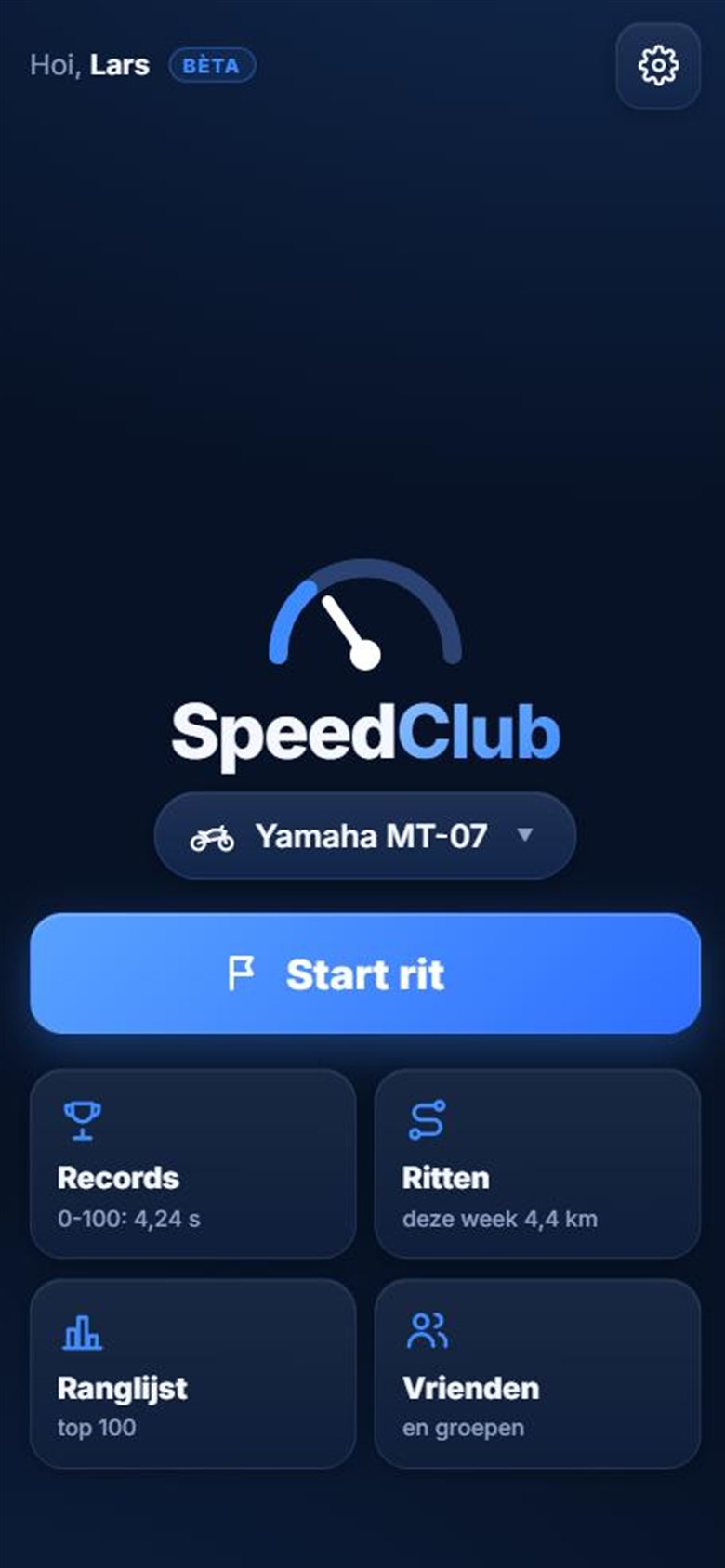
Measure your 0-100, quarter mile, braking distance, top speed and lean angle. See your rides on a map and compare your times with friends.
Free · no ads · works on Android and iPhoneNothing to set up. During a ride the app notices on its own when you accelerate or brake, and keeps your best times per vehicle.
0-50 and 0-100 km/h from a standstill, down to a hundredth of a second.
Your time over 402 metres, with your trap speed.
80-120 and 100-200 km/h: how quickly you overtake, apart from your launch.
How many metres you need to stop from 100 km/h.
Only counted once the GPS confirms it twice in a row. A single spike won't count.
On a motorcycle: how far you lean into a corner, left and right, with your maximum per ride.
Big numbers, calm colours. Pick Pure, Classic duo, Sport, Race, Lean pro, G-force, or a HUD you read in the windscreen. Your bike and your car each get their own screen, and you choose what goes in the four corners: clock, distance, lean or your last 0-100.
Tap the screen for the buttons. Coffee stop? Pause your ride; the break doesn't count.
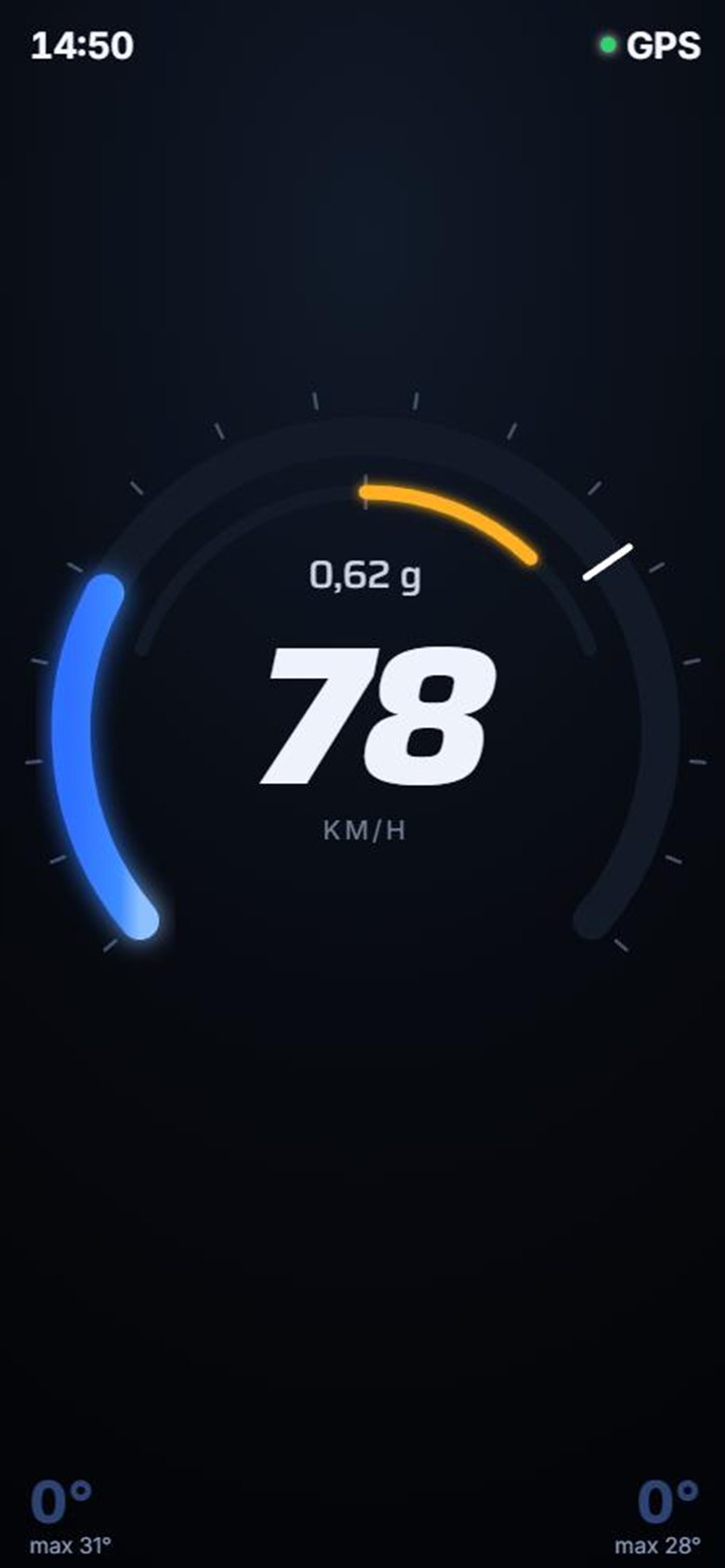
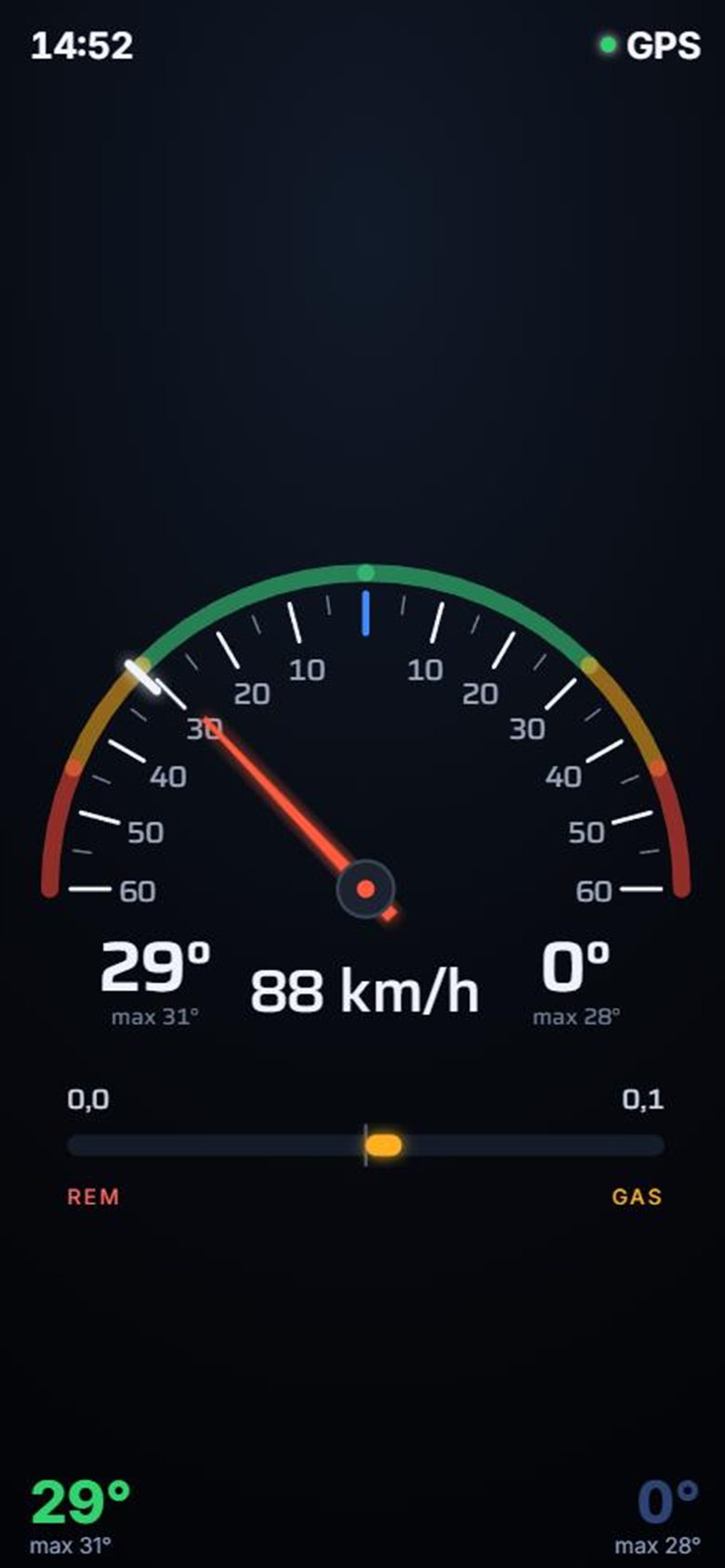
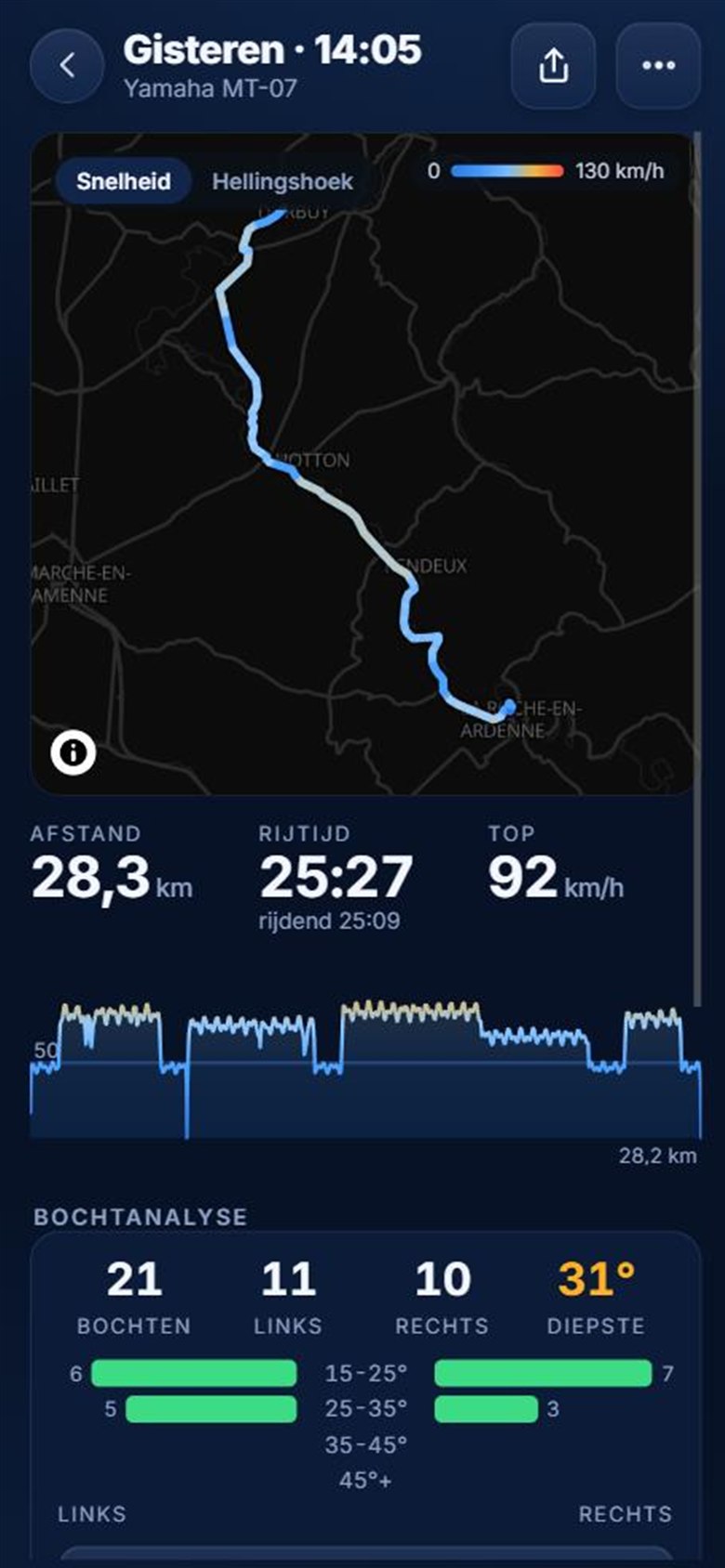
After every ride you see your route on the map, coloured by speed. On a motorcycle you also get a corner analysis: how many corners, left or right, and your deepest.
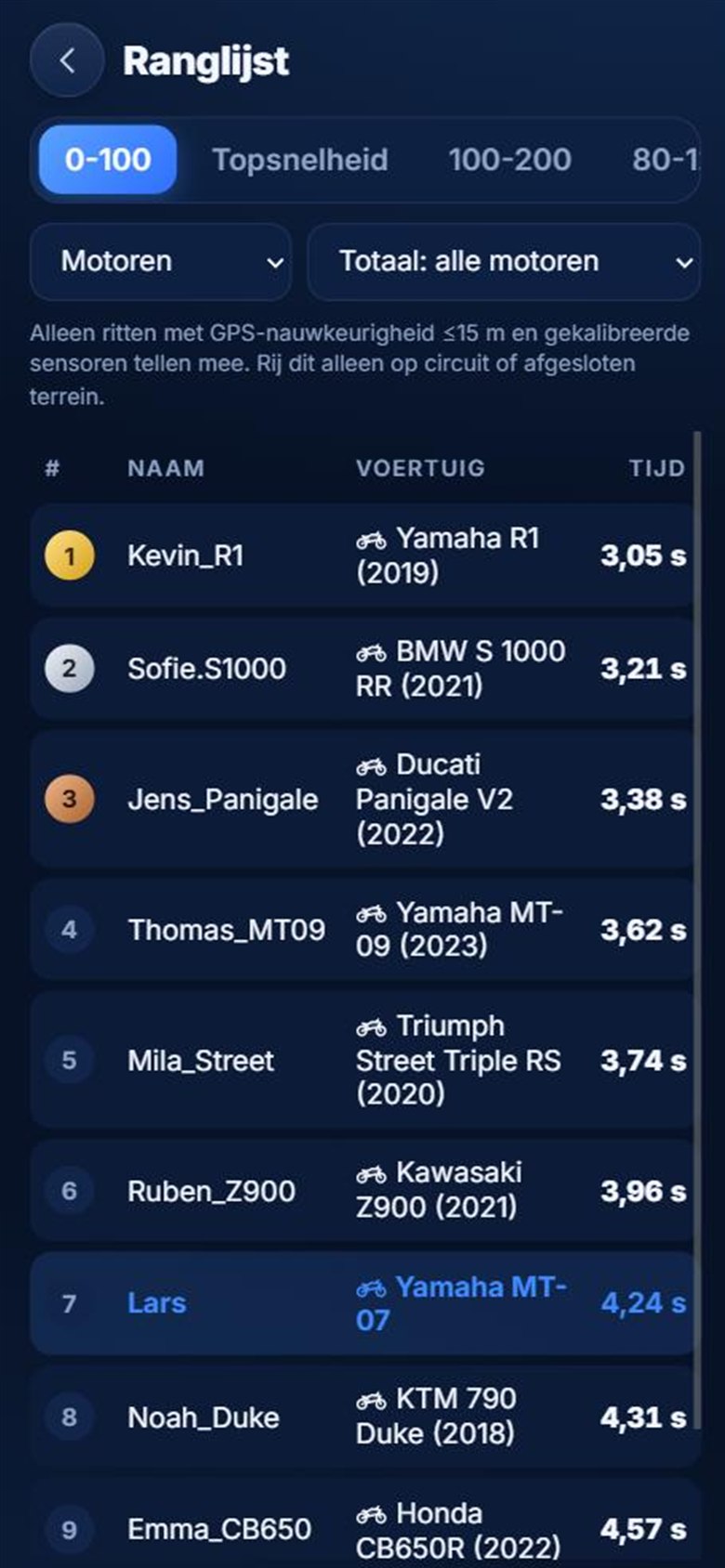
Add friends with a code, start a group for your club and see who has the quickest 0-100. Riding together? You'll see each other on a mini map. Weekly and yearly overviews show how far you've ridden.
No app store needed. SpeedClub runs in your browser, in English, Dutch, French, German or Spanish.
Only measure acceleration, top speed and braking on a track or closed area. On public roads, traffic rules apply.
Yes. SpeedClub is free and has no ads.
Yes. SpeedClub runs in the browser on any recent phone. On iPhone you add it to your home screen through Safari, on Android through Chrome.
The app uses the GPS Doppler speed, backed up by the accelerometer. That is your real speed. Most speedometers read 5 to 8 percent too high, so don't worry if SpeedClub shows a little less.
With your phone's gyroscope and accelerometer, combined with your speed and turn rate. Your phone needs to sit firmly in a mount. Calibration happens on its own while you ride.
Yes, with pocket mode. The screen turns black and stays on; speed and distance are still measured. Lean angle isn't, and your times won't count for the leaderboard.
Only you. Friends see your rides only if you turn that on. The leaderboard shows just your username, vehicle and time. More in the privacy policy (Dutch).
GPS and a screen that stays on use power. For long rides, a charger in your mount helps. In pocket mode the screen is black, which saves a lot on most phones.